 AIMemLink
Blog
How to View, Edit & Delete What ChatGPT Remembers About You
ChatGPT gives you real controls — but July 2026 memory is synthesized, not a simple list. Here is what you can actually manage.
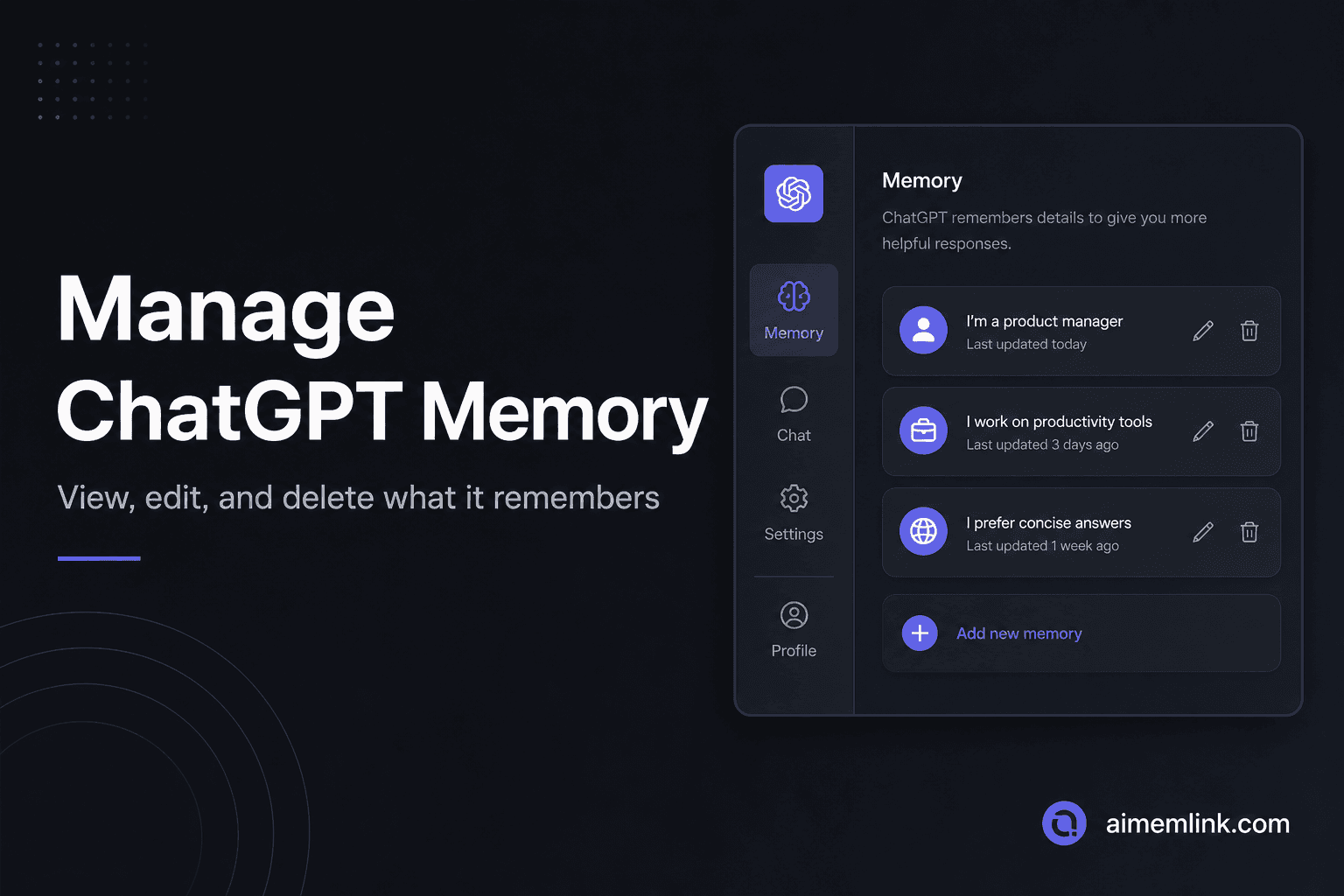
Two memory UIs in 2026: Memory Summary vs saved memories
OpenAI's June 2026 "Dreaming" update introduced a Memory Summary — a rolling synthesis of what ChatGPT considers important from your chats, files, and connected apps. The legacy saved memories list still exists for explicit facts you asked ChatGPT to remember.
Both live under Settings → Personalization → Memory. The summary shows highlights and a last-updated timestamp, but OpenAI notes it will not include everything ChatGPT remembers.
How to view what ChatGPT remembers
- Open Settings → Personalization → Memory → Memory Summary for the synthesized view.
- Tap the book icon (Memory Sources) below a response to see what informed that reply — custom instructions, past chats, saved memories, files, or connected apps.
- Ask in chat: "What do you remember about me?"
- For the legacy list: Settings → Personalization → Manage memories, or follow the saved memories link below the Memory Summary.
How to edit memories
On the Memory Summary page, type changes in the text box at the bottom. Highlight specific text to correct it. Use conversational updates in chat: "Update my memory about my job — I'm a product manager now."
"Don't mention this again" reduces how often ChatGPT references a detail, but OpenAI documents that it does not delete the underlying information.
How to delete memories
- Single memory (legacy): ⋯ next to the entry → Delete, or hover → trash icon.
- Delete all (legacy): ⋯ next to the search bar → Delete all / Clear all.
- Turn off and delete summary: Three-dot menu → Delete and turn off memory.
- Conversational:"Forget that I'm vegetarian" or "Delete my memory about X."
- Chat history reference: Toggle off Reference chat history under Memory settings — remembered chat info is deleted within 30 days.
OpenAI notes that fully removing a fact may require deleting it from every source — saved memories, the summary, past chats, archived chats, files, and connected apps.
How to turn memory off
Toggle off Reference saved memories or Reference chat history under Personalization. Use Temporary Chats for sessions where you do not want memory read or written. Refresh the summary from Manage → triple dot → Refresh if you want a clean synthesis pass.
The audit habit: review quarterly
In a 2026 study of 80 ChatGPT users (arXiv 2602.01450), 96% of analyzed memory entries were created by the system without an explicit user command. More than half contained sensitive psychological inferences. Controls exist — but the default is inference, not authorship. A quarterly review of your Memory Summary and saved memories list is worth the ten minutes.
Keep a user-authored backup
Deleting or editing ChatGPT memory does not migrate context to other tools. If a fact matters — your response style, current project, health constraints — write it yourself in a plain-text record you can read top to bottom. AIMemLink gives you that inspectable source of truth at a private link, separate from what ChatGPT inferred.
Ready to create your AI memory?
Write your context, use your private link for personal memory, and publish optional public basics when you want them discoverable by username.